01 / YOUR PEOPLE
One invitation.
Everyone comes together.
Create your group and share its link or code. Colleagues can also reply in their browser, without installing the app.
Invite, join, reply.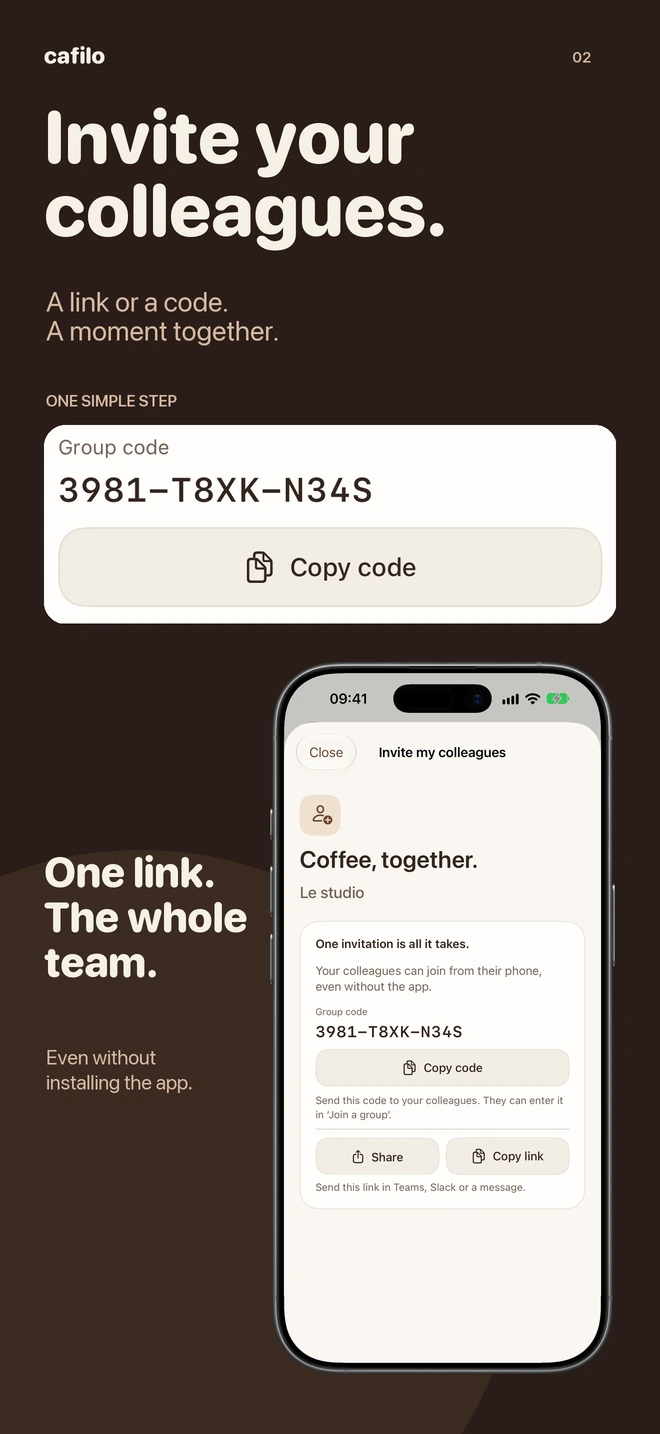
Cafilo · Mood Apps
Invite colleagues to a coffee break and spend a moment together.
iPhone, Mac and Android pilots. Invited colleagues can also participate in their browser.
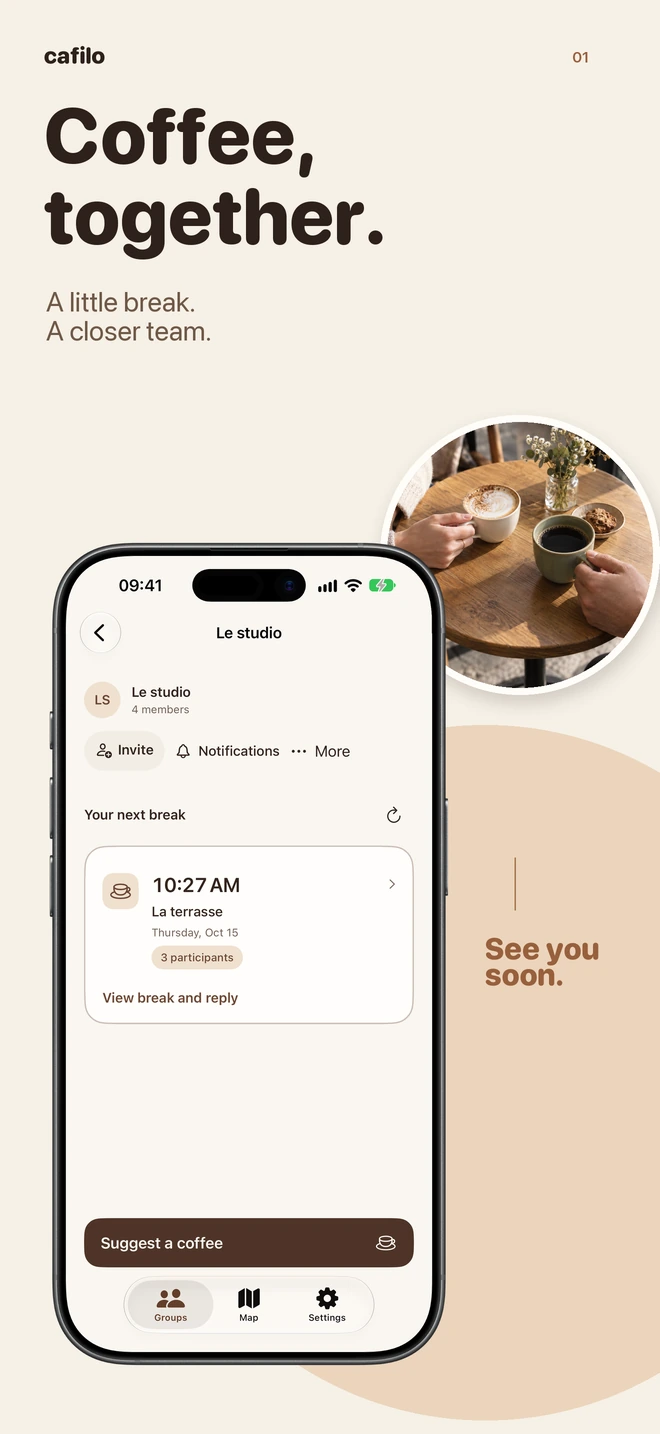
A MOMENT TOGETHER
A time, a place, your favourite people.
Cafilo brings it all together.
01 / YOUR PEOPLE
Create your group and share its link or code. Colleagues can also reply in their browser, without installing the app.
Invite, join, reply.02 / YOUR PLACE
Explore cafés and coffee machines, then save your favourite places. All that’s left is choosing where to meet.
Cafés. Coffee machines. Favourites.
Real iPhone app screens, with fictional data for this preview.
HOW IT WORKS
No need to make a meeting out of it.
The owner creates a group in the iPhone app or Android pilot and shares an invitation code or link with colleagues.
Propose a break, choose where to meet and see who plans to join.
Invited colleagues can join the group and respond in the browser, including on Android.
MAKE IT YOURS
Create your group in the app, or join colleagues in your browser. Download the Android pilot below; the iPhone app is being prepared for the App Store.
The iPhone app is being prepared for public release. Its link will appear here once it is available.
App Store coming soonA warmer interface: navigation with icons, groups that open in one tap, grouped time choices and more compact settings. The map keeps nearby search within 3 km. Install this update over the previous version to keep your groups.
Download the APKReceived a code or link? Join your group and respond to coffee breaks in your browser, without installing an app.
Join a coffee breakGOOD TO KNOW
The Android pilot is available as an APK above. It is a beta version installed manually. The iPhone App Store version is not public yet.
Yes. The Android pilot lets you create a group, invite colleagues and reply to breaks. With an invitation, the browser remains another way to participate without installing the APK.
Download the APK, then open it on your Android phone. If Android asks, temporarily allow installation from your browser. You can remove that permission after installation. A future pilot version can update this one using the same app identity and signature.
The group is accessible to people receiving a valid code or link. Share invitations only with your colleagues. Invitations expire after no more than seven days.
The service uses your first name, breaks and replies to run your group. Read the coffee service’s privacy policy before joining.
Enable them from Notifications inside each group. Reminders apply to breaks already loaded on your phone: open the app to receive new breaks and changes. Android may delay delivery to save battery. This version remains a beta; delivery on a locked Android phone still needs confirmation.
In the Android app, open Map and tap the location button. The app uses approximate or precise location according to the permission granted in Android; approximate access remains usable. The request is limited to that search in the foreground, without background tracking. You can also enter a city or move the map and search that area.
COFFEE AND AN IDEA?
A favourite spot, a specific time, an easier way to meet? Tell us what would make coffee breaks better for your team.